

![[Image: master-firestick.jpg]](https://euroiptvforum.com/images/focus/master-firestick.jpg)
STOP ACCEPTING BUFFERING!
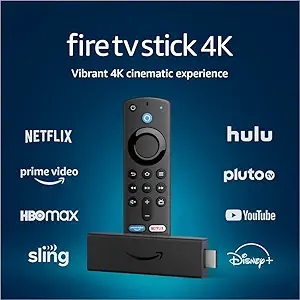
You bought a 1Gbps internet connection. You have a 4K Firestick. So why does the big match still freeze?
It's not your speed. It's your configuration.
Today, I am going to show you the "Advanced Buffer Settings" that most users never touch.
1. The "Buffer Size" Trick
Most players set buffer size to "Small" for fast zapping. This is a MISTAKE for sports.
- Go to Settings > Playback > Buffer Size.
- Change it to Very Large or High.
- Result: Stream is 2 seconds behind, but it NEVER freezes.
2. Change Your DNS (Hidden Bottleneck)
Your ISP's default DNS monitors your traffic. Change it on your Firestick:
1. Network Settings > Configure Network.
2. Set DNS 1 to: 1.1.1.1 (Cloudflare).
3. Set DNS 2 to: 1.0.0.1
3. Hardware Decoder
If you see "stuttering", enable "Hardware Decoder" (HW+) in your player settings immediately.
? MASTER TIP:
If your ISP is specifically throttling IPTV traffic, settings won't help... only a VPN will.
I personally use NordVPN with "Obfuscated Servers" ON.
Try these settings tonight and reply with your results!