ANNOUNCEMENTS
Welcome to Euro IPTV Forum! Check out the latest Channel Lists! Technical Support Available.
SPONSORED ADVERTISEMENTS
Sponsor 1 Sponsor 2 Sponsor 3

Information About: [GUIDE] Best IPTV Apps for Samsung & LG TV 2026 (IBO Player, SetIPTV, Nanomid)

Welcome to the most updated discussion for [GUIDE] Best IPTV Apps for Samsung & LG TV 2026 (IBO Player, SetIPTV, Nanomid). At EuroIPTVForum, we regularly track and share updates in the Smart TV Solutions category to ensure you have access to the highest quality streams. This thread contains specific details, M3U lists, or community feedback intended for testing on Smart TVs, Android Boxes, VLC, and other compatible platforms. Please carefully read the instructions provided by the author below. Our main goal is to deliver buffer-free stability for sports, movies, and premium live TV channels globally.

Thread Rating:
  • 0 Vote(s) - 0 Average
  • 1
  • 2
  • 3
  • 4
  • 5
[GUIDE] Best IPTV Apps for Samsung & LG TV 2026 (IBO Player, SetIPTV, Nanomid)
#1
Top 3 Best IPTV Apps for Smart TV (Samsung/LG)

If you have a Samsung (Tizen) or LG (WebOS) Smart TV, you don't need an Android Box. You just need the right app.
Here are the best and most stable applications for 2026.
1. IBO Player (Top Recommendation)
Currently the fastest and most modern player available in the store.
* **Pros:** Very fast zapping, supports 4K, nice interface.
* **Price:** 7 Days free trial, then ~8€ per year.
* **How to setup:** Download app, see "Device ID" and "Key" on screen, upload your M3U playlist on their website.

2. SetIPTV
A classic and lightweight player. Good if you have an older TV model.
* **Pros:** Simple interface, works on almost all TVs.
* **Setup:** Upload playlist via MAC address on their portal.

3. Nanomid Player
Great for bypassing some ISP blocks because it has a built-in VPN feature (limited).
* **Pros:** Stable connection.

⚠️ IMPORTANT: Is your app buffering?
Smart TV processors are weaker than Android Boxes. If you experience buffering on 4K channels, it is likely your ISP throttling the connection.
We strongly recommend using a VPN directly on your router or using an Android Box with VPN support.
Reply


Forum Jump:


Users browsing this thread: 1 Guest(s)

Recommended Gear For Buffer-Free IPTV

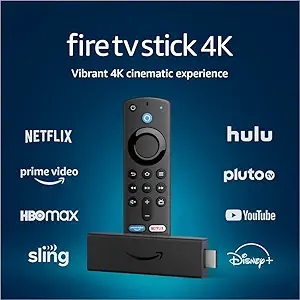
Fire TV Stick 4K
Amazon Fire TV Stick 4K
Best for Smarters & Tivimate
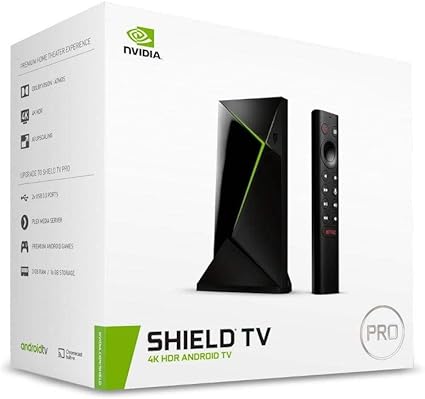
NVIDIA Shield TV Pro
NVIDIA SHIELD TV Pro
Ultimate 4K Experience
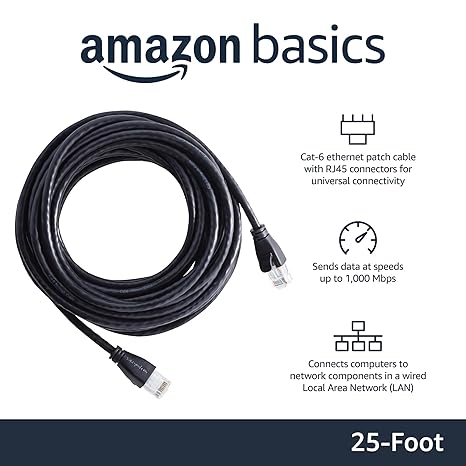
Cat6 Ethernet Cable
Cat6 Ethernet Cable
Stop Buffering, Use Wired