
ANNOUNCEMENTS
Welcome to Euro IPTV Forum! Check out the latest Channel Lists! Technical Support Available.
SPONSORED ADVERTISEMENTS
Sponsor 1 Sponsor 2 Sponsor 3

Information About: Firestick 4K Overheating & Buffering after 1 hour

Welcome to the most updated discussion for Firestick 4K Overheating & Buffering after 1 hour. At EuroIPTVForum, we regularly track and share updates in the Android Boxes, Firestick & Apps category to ensure you have access to the highest quality streams. This thread contains specific details, M3U lists, or community feedback intended for testing on Smart TVs, Android Boxes, VLC, and other compatible platforms. Please carefully read the instructions provided by the author below. Our main goal is to deliver buffer-free stability for sports, movies, and premium live TV channels globally.

Thread Rating:
  • 0 Vote(s) - 0 Average
  • 1
  • 2
  • 3
  • 4
  • 5
Firestick 4K Overheating & Buffering after 1 hour
#1
Hi everyone,


I recently bought a Firestick 4K Max for IPTV. It works great for the first 45-60 minutes, but then the device gets extremely hot to the touch.

When it gets hot, the stream starts to freeze, loop, or buffer heavily. My internet speed is fine (100 Mbps).

Is my device defective? Or is there a setting to fix this? I really don't want to buy a new one.

Thanks!

Firestick Overheating, Firestick Hot, Firestick Buffering, Firestick Freezing, IPTV Lag, Streaming Issues, Firestick Thermal Throttling
Reply
#2
Hello BlueMoon, welcome to the community!

You are not alone; this is a very common issue with stick-type devices (Firestick, Mi Stick). Since they are plugged directly into the back of the TV, they absorb the heat from the TV screen, causing the processor to throttle (slow down) to protect itself.

Here are 3 quick fixes:

1. Use the HDMI Extender (Most Important): Your box should have come with a short HDMI extension cable. USE IT. It moves the stick away from the back of the TV and improves airflow.

2. Use the Wall Power Adapter: Do not power the stick from the TV's USB port. It doesn't provide consistent power. Use the original power adapter plugged into a wall socket.

3. Force Stop Background Apps: Download an app called "Background Apps and Process List" to close apps running in the background.

⚠️ Important Note on Buffering: If the device is cool but you still get buffering during live sports, it might NOT be a hardware issue. It could be your ISP blocking the stream.

Check our guide here: How to Fix IPTV Buffering & ISP Blocking

If you decide to upgrade your device later, check our 2026 Best Device Guide.

Let us know if this helps!
Reply


Forum Jump:


Users browsing this thread: 1 Guest(s)

Recommended Gear For Buffer-Free IPTV

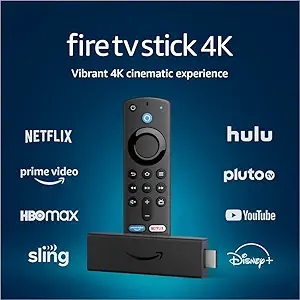
Fire TV Stick 4K
Amazon Fire TV Stick 4K
Best for Smarters & Tivimate
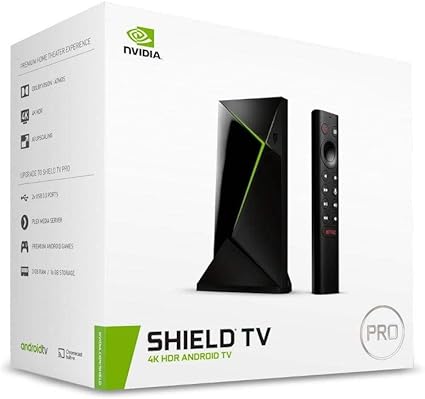
NVIDIA Shield TV Pro
NVIDIA SHIELD TV Pro
Ultimate 4K Experience
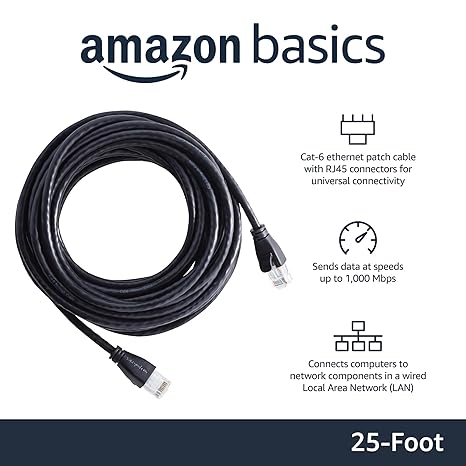
Cat6 Ethernet Cable
Cat6 Ethernet Cable
Stop Buffering, Use Wired